Deploying Tetris on Kubernetes with Argo CD

Hey there! I'm currently working as an Associate DevOps Engineer, and I'm diving into popular DevOps tools like Azure Devops,Linux, Docker, Kubernetes,Terraform and Ansible. I'm also on the learning track with AWS certifications to amp up my cloud game. If you're into tech collaborations and exploring new horizons, let's connect!
Prerequisites
Before we begin, make sure you have the following:
An AWS account.
eksctlinstalled on your local machine.kubectlinstalled on your local machine.Git for version control.
https://archive.eksworkshop.com/intermediate/290_argocd/configure/
Step 1: Create an EKS Cluster
Use the following eksctl command to create an EKS cluster named "dev" in the EU (Stockholm) region with a managed node group:
eksctl create cluster --name dev --region eu-north-1 --nodegroup-name workers --node-type t3.medium --nodes 2 --nodes-min 2 --nodes-max 2 --managed
Wait for the cluster to be provisioned before proceeding.
Step 2: Install Argo CD
Create a namespace for Argo CD and apply the installation manifests:
kubectl create namespace argocd
kubectl apply -n argocd -f https://raw.githubusercontent.com/argoproj/argo-cd/stable/manifests/install.yaml
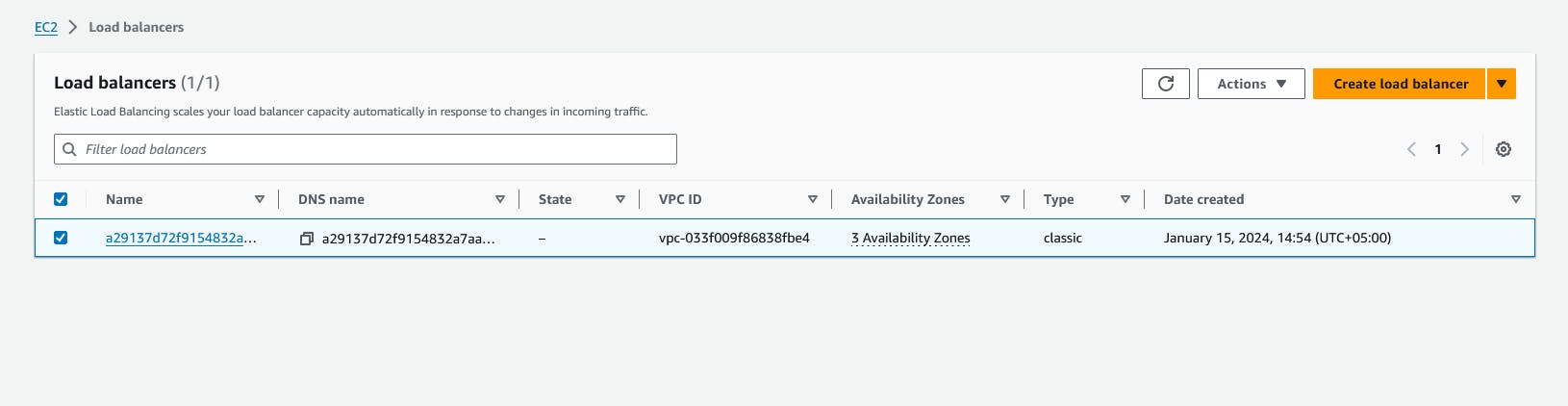
Patch the Argo CD service to use a LoadBalancer:
kubectl patch svc argocd-server -n argocd -p '{"spec": {"type": "LoadBalancer"}}'
Retrieve the external IP or DNS of the Argo CD server:
kubectl get svc argocd-server -n argocd -o=jsonpath='{.status.loadBalancer.ingress[0].hostname}'
Now, you can access the Argo CD UI using the provided external IP or DNS.
export ARGO_PWD=`kubectl -n argocd get secret argocd-initial-admin-secret -o jsonpath="{.data.password}" | base64 -d`
echo $ARGO_PWD
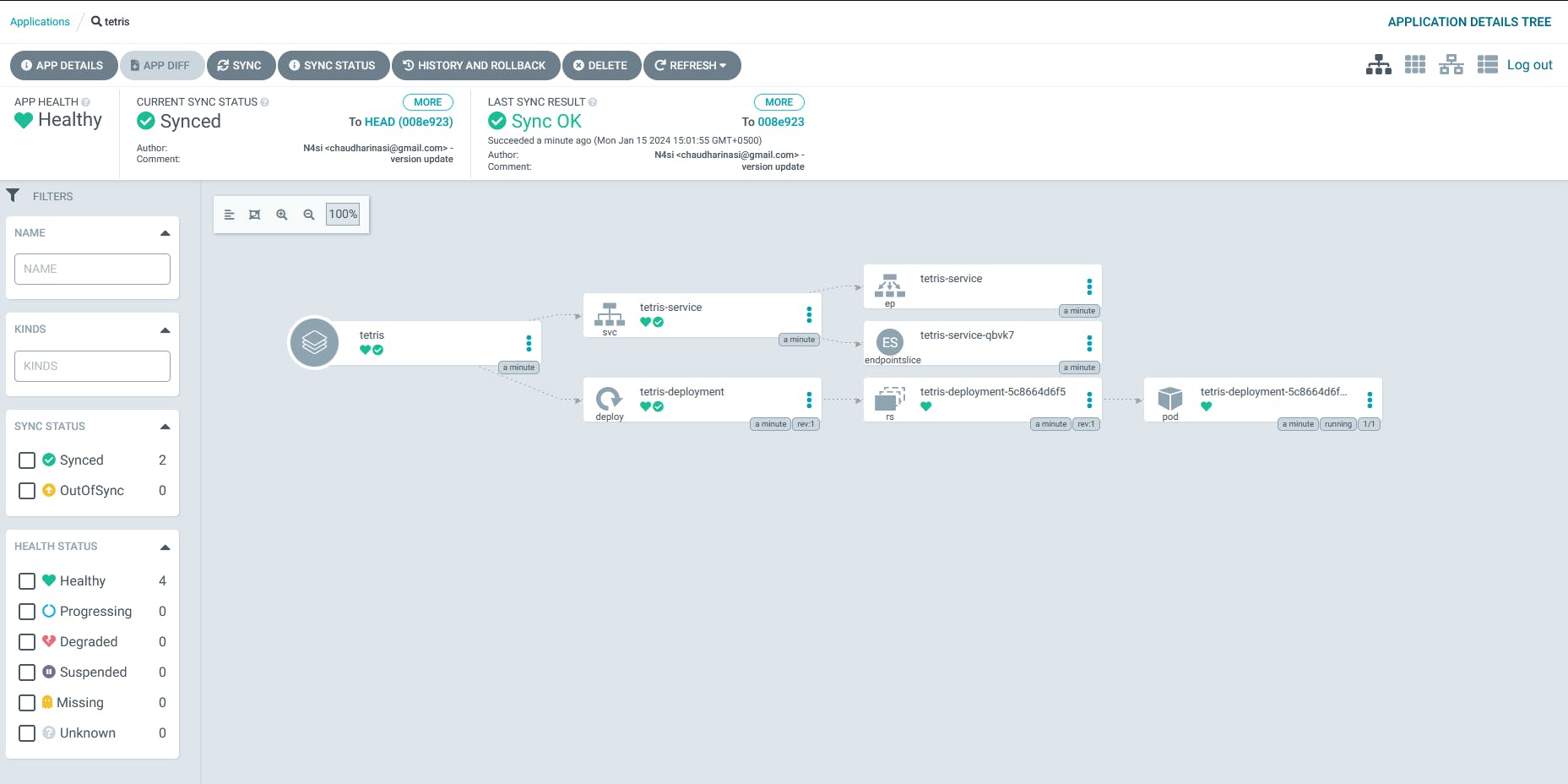
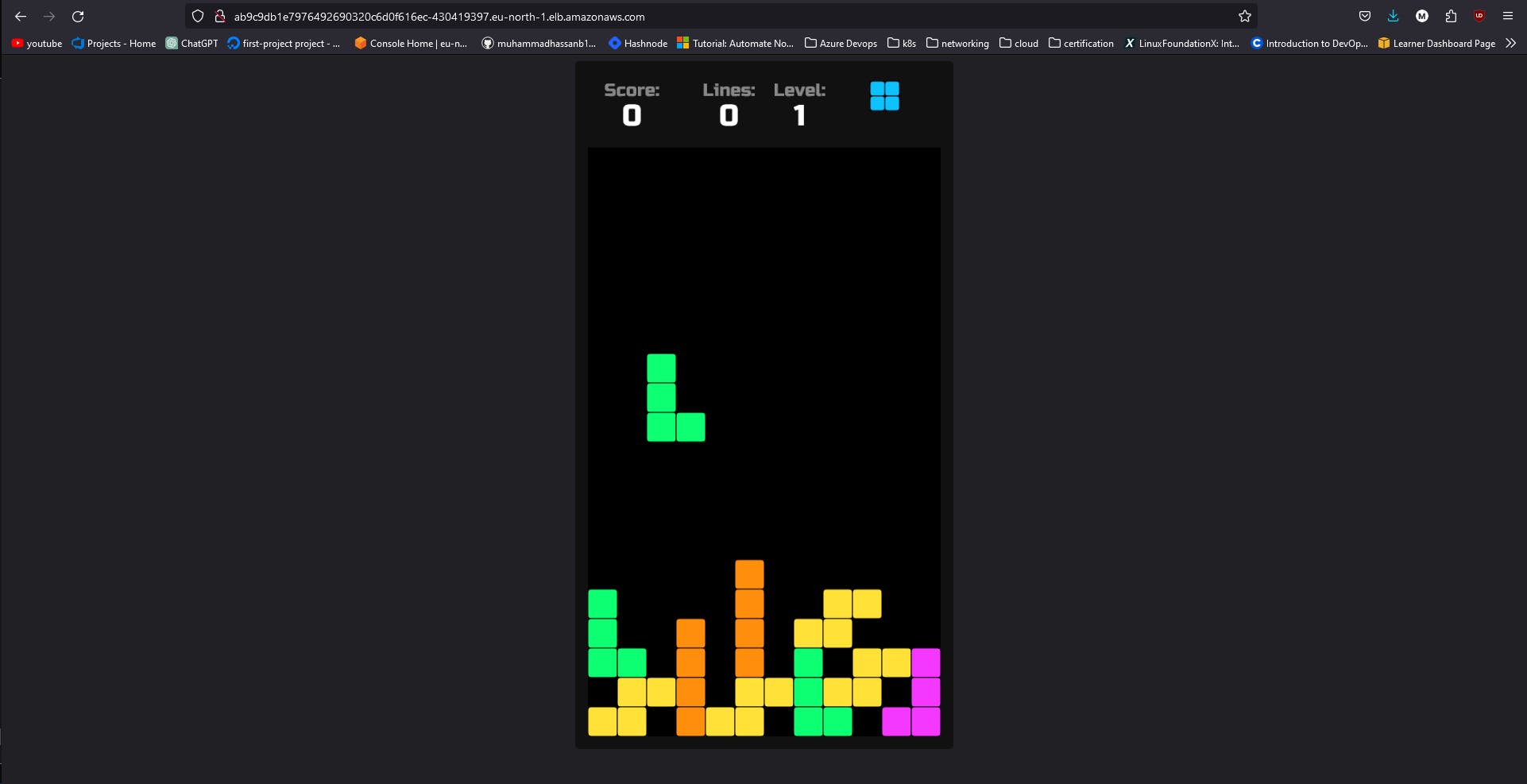
Step 3: Deploy Tetris Game with Argo CD
Clone the Tetris game repository:
git clone https://github.com/muhammadhassanb111/tetris-game/tree/main